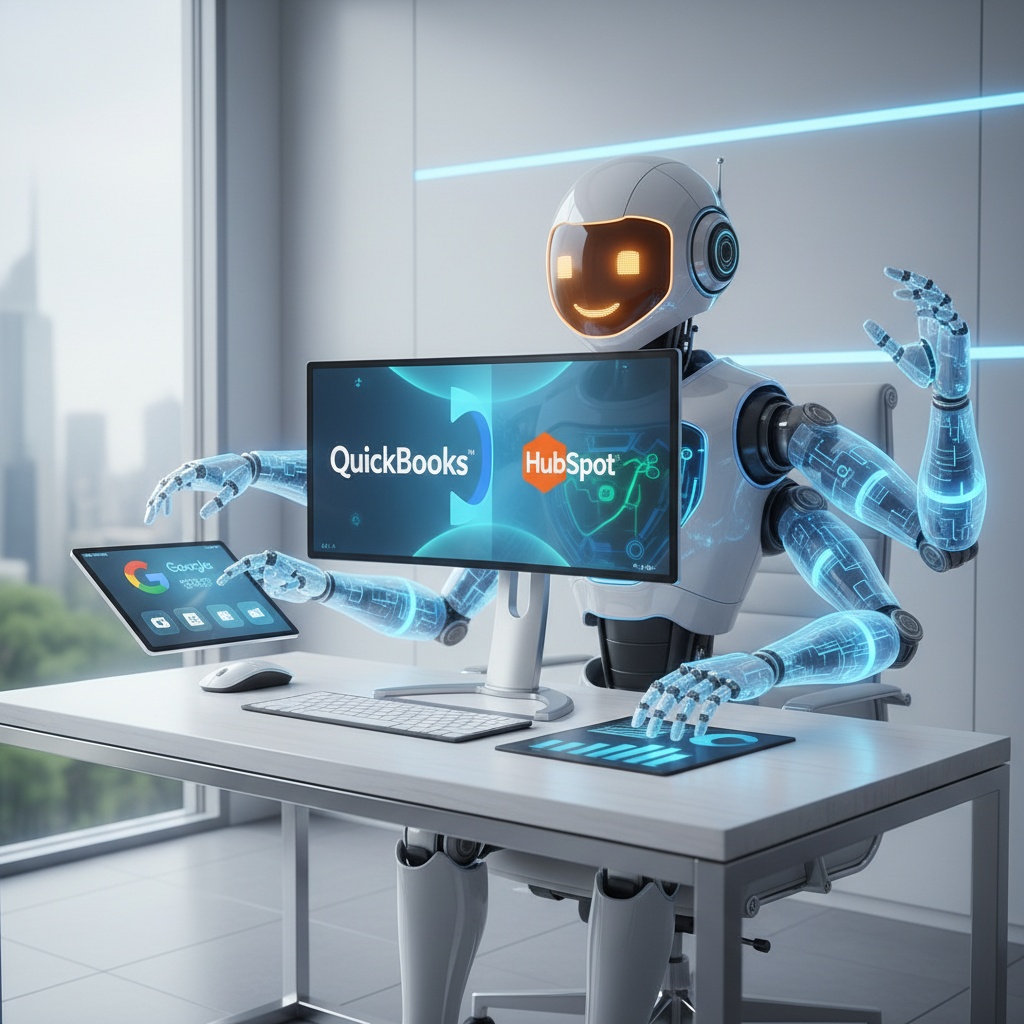
Claude for Small Business is built to help you move beyond basic chat and into real operational automation. If you want AI that connects to your tools, handles routine work, and supports smarter decisions, this is the shift small businesses have been waiting for.
Small business owners do not need more AI hype. You need helpful tools that actually remove work from your day. That is why Claude for Small Business matters: it is designed to plug into the systems you already use and help you run core operations faster, with less manual effort.
Instead of treating AI like a novelty, this approach makes it a practical co-pilot. You can use it to manage invoices, prepare payroll, analyze customer feedback, create sales materials, and surface data-backed insights from the tools you rely on every day. For operators who are stretched thin, that is a real advantage.
At From The Automaton, we see this as the direction AI should always take: less chatting, more doing. The businesses that win will not be the ones with the fanciest prompts. They will be the ones that build smart workflows, connect their tools, and let AI handle repetitive execution inside a controlled system.
What Claude for Small Business actually changes
Most small businesses have tried AI in the same limited way: ask a question, get a response, move on. Useful? Sometimes. Transformational? Not really. Claude for Small Business is different because it is built around action inside your business stack, not just conversation.
The big shift is integration. Claude can connect with tools like QuickBooks, PayPal, HubSpot, Canva, DocuSign, Google Workspace, and Microsoft 365. That means it can work with your actual data and your actual processes instead of forcing you to copy and paste between tabs all day.
This matters because most operational bottlenecks are not strategic. They are repetitive. They happen when you are trying to reconcile payments, chase overdue invoices, draft campaign assets, review team files, or prepare month-end financials. Claude for Small Business is built to reduce that friction.
From chatbot to operational assistant
A chatbot answers questions. An operational assistant helps you finish work. That distinction is the core value here. With the right setup, Claude can take inputs from one tool, process them, and move the result into another tool or workflow step.
That is where small businesses start saving real time. You are no longer relying on someone to remember a process, open five apps, and manually move information around. Instead, you are building a repeatable workflow that supports how your business already runs.
Why this is a better fit for small teams
Large companies can afford custom internal AI projects. Most small businesses cannot. They need something that is easier to install, easier to trust, and easier to use without hiring a specialist. Claude for Small Business is aimed at that gap.
It gives you a way to add AI to daily operations without rebuilding your stack from scratch. That is the real value for owners, freelancers, and lean teams: less setup, faster adoption, and more useful output.
Where Claude for Small Business can save you the most time
The best AI use cases are the ones tied to repetitive work. If a task happens every week or every month, it is probably a good candidate for automation. This is where Claude for Small Business can make a measurable difference.
1. Payroll planning and financial reconciliation
One of the most useful applications is combining financial data from different tools. For example, you can reconcile QuickBooks records with PayPal payments to help plan payroll and close the books faster. That means fewer spreadsheet exports, fewer errors, and less end-of-month stress.
For many owners, finance work becomes chaotic because data lives in too many places. AI automation can centralize the review process and flag mismatches before they become problems.
2. Invoice chasing and follow-up
Unpaid invoices are a common drag on cash flow. Claude can help draft follow-up messages, prioritize overdue accounts, and support a more consistent collections process. If you connect the right tools, you can streamline reminders without sounding robotic.
This is a simple example of smart workflows in action: AI handles the repetitive admin, while you keep control of the tone and final approval.
3. Sales campaigns and CRM work
Customer data in your CRM should not just sit there. Claude can help turn CRM notes, feedback, and engagement data into practical sales actions. That could mean generating campaign ideas, summarizing lead activity, or helping you segment prospects based on behavior.
For small teams, this is valuable because sales follow-up often gets delayed when everyone is busy. AI can keep the pipeline moving without adding more manual effort.
4. Marketing assets and design support
Claude also becomes useful when you need fast content support. If your team uses Canva, Google Workspace, or Microsoft 365, you can create a workflow that helps draft copy, summarize briefs, and generate materials for campaigns or internal review.
This does not replace your judgment. It speeds up production so you can spend more time on positioning, offers, and customer experience.
5. Customer feedback analysis
Small businesses collect feedback from emails, forms, CRM notes, and support messages. The problem is not a lack of data. The problem is that nobody has time to read all of it properly. Claude can help summarize themes, spot recurring issues, and surface ideas worth acting on.
That is how you move from guessing to making better decisions based on what customers are actually telling you.
Trust, permissions, and why that matters
Any time you connect AI to business systems, you should think about access, approval, and data handling. That is especially important for small businesses, where one mistake can create a big headache.
Claude for Small Business is designed with that in mind. Users initiate tasks and workflows, and you can require approval before anything is executed. Existing permissions from connected apps are maintained, which helps keep access boundaries intact.
That matters because automation should not mean handing over the keys. The right setup lets AI assist inside a controlled process. You stay in charge of the final decision, while the system does the repetitive work.
What secure AI usage looks like in practice
- You define the workflow instead of letting AI wander freely.
- You control which tools are connected.
- You keep approval steps for sensitive tasks.
- You use existing permissions, not broader access than necessary.
- You review outcomes before they affect customers, payments, or reporting.
This is the mindset we recommend at From The Automaton. Good automation is not about removing humans. It is about removing waste while keeping accountability where it belongs.
How to use Claude with Make.com and smart workflows
Claude for Small Business becomes even more useful when you combine it with Make.com and other automation tools. That is where you turn isolated AI features into end-to-end process automation.
For example, you can create a workflow where a new invoice alert in QuickBooks triggers a review step, Claude drafts a follow-up note, and Make.com sends the email after approval. Or you can route customer feedback from HubSpot into a summary process that produces weekly insights for your team.
This is the practical automation mindset: do not ask AI to replace your operations. Ask it to support each step in a system that already makes sense.
A simple workflow framework
- Identify one repetitive business process.
- List the input, decision point, and output.
- Decide where AI can draft, summarize, sort, or recommend.
- Use Make.com to connect the tools.
- Add human approval where the task affects money, customers, or compliance.
If you can map a process clearly, you can automate it. That is where small business efficiency starts to compound.
What not to automate first
Do not begin with your most sensitive or complex process. Start with a workflow that is repetitive, low risk, and easy to measure. Good first candidates include invoice follow-up, meeting summaries, customer feedback sorting, and internal content drafting.
Once that works, you can expand into more advanced use cases and connect more of your stack.
Why this matters for the future of small business AI
The real story here is not that Claude can do more tasks. It is that small businesses are finally getting AI that fits the way they work. That means fewer excuses, less manual admin, and more time for growth work that actually moves the business forward.
Many small businesses have been stuck between generic chat tools and expensive enterprise systems. Claude for Small Business helps bridge that gap by making AI more usable, more connected, and more operationally relevant.
If you want a competitive edge, the answer is not just using AI. It is building a system where AI is placed inside the workflow, connected to the right tools, and governed by clear rules. That is how you get speed without chaos.
From The Automaton helps small businesses design those systems. We build practical automations, connect tools with Make.com, and create AI workflows that save time without creating new messes. That is the standard.
FAQ
Is Claude for Small Business better than a normal chatbot?
Yes, if you want more than quick answers. A normal chatbot gives you text. Claude for Small Business is built to connect with business tools and support actual workflows, which makes it much more useful for operations.
Do I need technical skills to use it?
Not necessarily. The appeal of this kind of setup is that it is designed to be easier for non-technical users. That said, getting the best results still depends on choosing the right workflow and connecting it properly.
What is the best way to start?
Start with one repetitive task that wastes time every week, such as invoice follow-up or customer feedback summaries. Then connect the relevant tools and add approval steps before you expand to more complex automation.
If you want help turning AI into something practical for your business, book a free call with From The Automaton. We will help you find the right workflow, connect your tools, and remove the busywork.