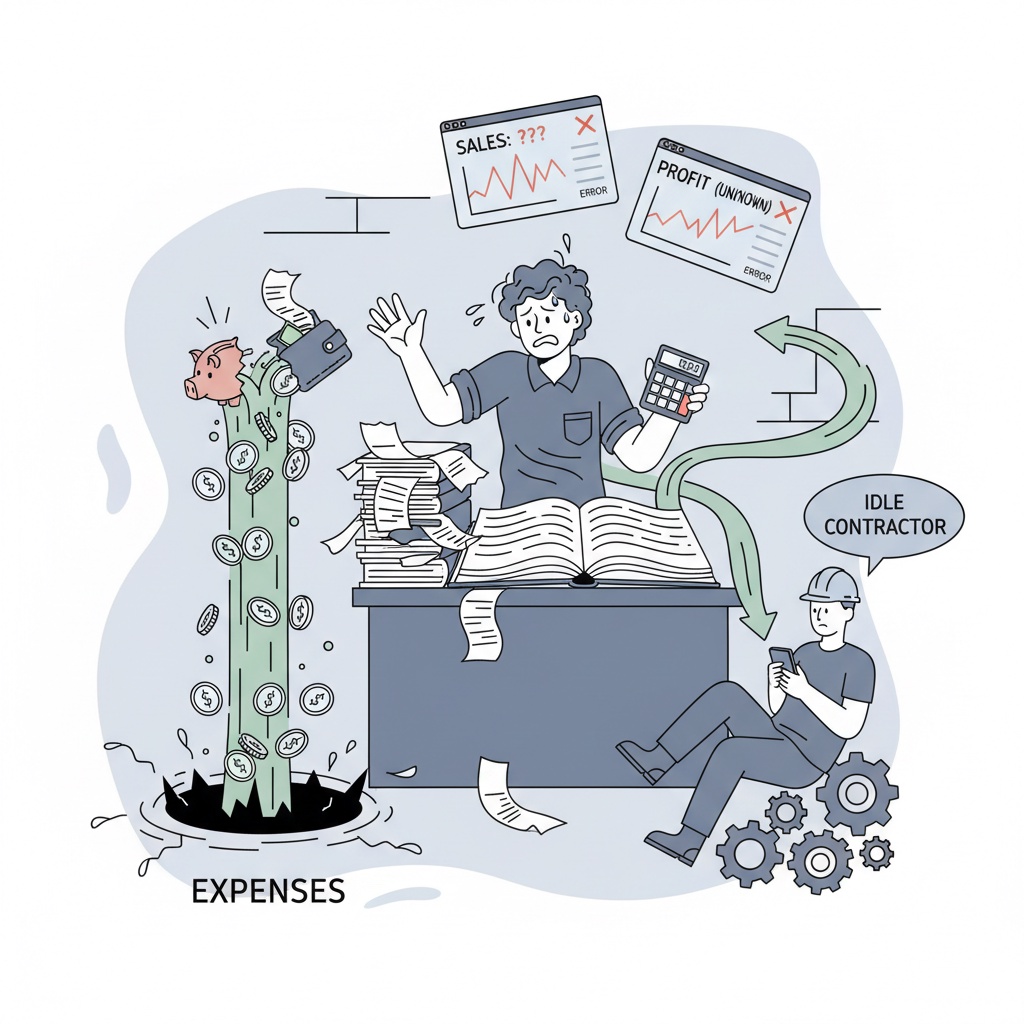
Discover what makes a business workflow automation truly impressive. We deconstruct a game-changing AI-powered client onboarding system and provide practical examples to help you build automations that save time and eliminate errors.
There's a moment every business owner, operator, or freelancer experiences when they see a truly seamless automation for the first time. It's a mix of awe and slight frustration. The awe comes from watching a complex, multi-step process unfold flawlessly in seconds. The frustration comes from thinking about the hundreds of hours they've wasted doing that exact process manually.
It's the Wait, you can do that? moment. You see an email automatically personalized and sent, a project board instantly populated, and a client folder created in perfect order - all triggered by a single form submission. It feels like magic. But it isn't.
At Automaton, we believe this magic is the new standard for operational efficiency. While flashy demos are impressive, the real power of business workflow automation lies in building practical, reliable systems that solve real-world business problems. It's about connecting the tools you already use into a single, intelligent machine that saves you time, eliminates errors, and lets you focus on work that actually matters.
This guide isn't about over-engineered novelties. It's a practical look at the kind of automations that fundamentally change how businesses operate. We'll deconstruct a mind-blowing - yet completely achievable - automation and show you how to start building your own.
What Makes an Automation Truly Impressive?
A mind-blowing automation isn't about having the most steps or using the most obscure apps. It's about solving a painful, recurring problem with elegance and efficiency. The most impactful workflows are the ones that make you forget a problem ever existed.
Here's what separates a simple script from a game-changing business system:
- It Solves a Core Business Bottleneck: The most impressive automations tackle processes that are slow, prone to human error, and create friction for customers or your team. Think client onboarding, lead nurturing, or content repurposing.
- It Connects Disparate Systems: Its power comes from acting as the central nervous system for your tech stack. It makes your CRM talk to your project manager, which talks to your file storage, which talks to your email client. Tools like Make.com are the glue that holds this all together.
- It Uses AI for Judgment and Personalization: This is the modern frontier. True workflow automation now incorporates AI to handle tasks that once required human thought - like analyzing inquiry emails, drafting personalized responses, summarizing reports, or categorizing customer feedback.
- It Runs Silently in the Background: The best automation is invisible. It works 24/7 without complaint, ensuring processes are followed consistently every single time, creating a reliable foundation for your business to scale.
Deconstruction of a Game-Changer: The AI-Powered Client Onboarding System
Client onboarding is a perfect candidate for automation because it's a universal business function that is repetitive, critical to customer satisfaction, and notoriously difficult to execute consistently. Let's break down the before and after.
The Before Workflow: Manual Chaos
For many agencies, consultancies, and freelancers, the process looks something like this:
- A client says yes over email.
- You manually find and fill out a proposal or contract template with their details.
- You upload the document to an e-signature service and send it.
- You wait. And follow up.
- Once signed, you manually create a client folder in Google Drive or Dropbox.
- You manually create a new project in Asana, Trello, or ClickUp, copying and pasting the same set of startup tasks.
- You manually create a new customer record in your CRM or Airtable.
- You manually draft and send a welcome email with a link to their new shared folder.
Each step is a potential point of failure. You might forget to create the project, misspell a name on the contract, or send the wrong welcome packet. The process can take hours spread across several days and sets a chaotic first impression.
The After Workflow: The Automaton Way
Now, let's rebuild this with modern tools. Our goal is to make the entire process from form submission to project kickoff happen in under five minutes, with zero manual intervention required beyond a final review.
The Tools:
- Form: Typeform or Jotform for client intake.
- Automation Hub: Make.com to orchestrate the entire workflow.
- Document: Google Docs for the contract template.
- E-Signature: DocuSign or PandaDoc.
- File Storage: Google Drive.
- Project Management: Asana, ClickUp, or Trello.
- CRM/Database: Airtable or HubSpot.
- AI: OpenAI (GPT-4) or Anthropic (Claude) for personalization.
- Communication: Gmail and Slack.
The Automated Workflow, Step-by-Step:
Trigger: Client Fills Out an Intake Form
The moment the client hits submit on your detailed intake form, the entire system comes to life.
Step 1: Capture and Route (Make.com)
A Make.com scenario instantly captures the form data. This is the central brain of our operation.
Step 2: Generate & Send the Contract
Make.com takes the client's name, company, and service details and automatically populates a contract template in Google Docs. It then converts this doc to a PDF and sends it to the client for signature via the PandaDoc API. No more copy-pasting.
Step 3: Prepare the Digital Workspace (In Parallel)
While the contract is being sent, Make.com performs three tasks simultaneously:
- Creates Client Folder: It generates a new, perfectly named client folder in Google Drive, complete with a standardized set of sub-folders (e.g., 01_Contracts, 02_Assets, 03_Deliverables).
- Creates Project: It creates a new project in Asana from a pre-built template, assigning all standard onboarding tasks and setting relative due dates.
- Creates CRM Record: It adds the new client to Airtable or HubSpot, tagging their status as Onboarding - Contract Sent.
Step 4: AI-Powered Personalization
Here's where the wow factor kicks in. The automation sends key information from the intake form - like the client's stated goals or biggest challenges - to an AI model like GPT-4.
Example Prompt:
You are a friendly and professional onboarding specialist. Based on this new client data, draft a warm welcome email. Acknowledge their primary goal of [Client Goal from Form] and reassure them that our team is already setting up their project to tackle [Client Challenge from Form]. Keep the tone confident and clear. The client's name is [Name] and their company is [Company].
The AI doesn't just insert a name; it crafts a genuinely personalized message that shows you were listening from the very start.
Step 5: Communication & Review
The AI-generated email isn't sent automatically. Instead, the workflow creates a draft in your Gmail account. Simultaneously, it sends a notification to your team's Slack channel:
New Client: [Company Name] has submitted their intake form. The contract has been sent, their Asana project is ready, and a personalized welcome email is in your Gmail drafts for review.
This keeps a human in the loop for the most critical communication, turning a 15-minute writing task into a 15-second review.
Step 6: The Final Handoff
When the client signs the contract, the e-signature platform sends a signal (a webhook) back to Make.com. This triggers the final automation: it updates the client's status in Airtable to Active, sends the official welcome packet, and assigns the project manager in Asana to begin the first task. The entire onboarding process is complete.
More Wait, You Can Do That? Automation Examples
Once you master the logic of connecting apps, you can apply it to nearly any business process.
1. The Automated Content Repurposing Machine
- Trigger: You publish a new blog post on your website (WordPress, Webflow, etc.).
- Workflow: Make.com detects the new post. It sends the content to an AI agent that:
- Writes 3 unique tweets based on the key points.
- Drafts a more detailed, professional LinkedIn post.
- Summarizes the article into a 5-bullet-point summary for your email newsletter.
- Creates a script outline for a 60-second YouTube Short or Reel.
- Outcome: All generated content is neatly organized in an Airtable or Notion database, ready for you to review and schedule. One piece of content becomes seven, with minimal effort.
2. The Smart Sales & Support Inbox
- Trigger: An email arrives at info@yourcompany.com.
- Workflow: The email content is piped through an AI model that performs intent and sentiment analysis.
- Is it a sales inquiry? The AI extracts the contact info, creates a new lead in your CRM, and notifies the sales team in Slack with a summary.
- Is it a support request? It creates a ticket in Zendesk or your helpdesk software and sends an auto-reply letting the customer know you have received their message.
- Is it spam? It is automatically archived.
- Outcome: Your inbox stays clean, leads are never missed, and support requests are handled systematically.
How to Find Your First Mind-Blowing Automation
The key is to resist the urge to automate for the sake of it. Don't start by looking at a tool's features. Start by looking at your own daily frustrations.
1. Conduct a Repetitive Task Audit.
For one full week, keep a simple log. Every time you find yourself doing a manual, repetitive task, write it down. Especially note the tasks that involve moving data from one application to another. How long did it take? How boring was it on a scale of 1-10?
2. Identify the Biggest Pains.
Look at your list. The best candidates for your first automation are not necessarily the most complex ones, but the ones that are:
- High-frequency: You do it every day or multiple times a week.
- Error-prone: It is easy to make a typo or forget a step.
- A Bottleneck: Other work can't start until this task is done.
3. Map the Process.
Before you touch any automation software, draw out the workflow. Use a whiteboard or a simple piece of paper. What is the trigger? What are the exact, literal steps you take? What is the final desired outcome? This map is your blueprint.
4. Start Small and Build Momentum.
You do not have to automate the entire 15-step onboarding process at once. Start with one piece. Maybe your first automation simply creates the Google Drive folder structure. Your next one adds the Asana project creation. Each small win builds your confidence and demonstrates the value of the system.
The Future is Orchestrated
The most impressive business automations are not about replacing people. They are about creating leverage. They orchestrate your tools, processes, and data into a coherent system that frees up your team's time and brainpower for high-value work - strategy, creativity, and customer relationships.
That Wait, you can do that? moment is the realization that the ceiling for efficiency is much higher than you thought. The magic is simply a well-designed process, and it is more accessible to your business than ever before.
Frequently Asked Questions
Isn't setting up a complex business workflow automation too complicated for a small business?
Not anymore. The rise of no-code platforms like Make.com has democratized automation. These tools use a visual, drag-and-drop interface, which means you do not need to be a developer to build powerful workflows. While there is a learning curve, it is about understanding logic and process flow, not writing code. You can start with a simple, two-step automation and build complexity over time.
How much does it cost to implement a system like the client onboarding example?
The cost varies based on the tools you choose. Many of the core components have free or low-cost starter plans. Make.com, Airtable, and most project management tools offer free tiers that are sufficient for building your first automations. The primary costs are the subscriptions to specialized software (like a paid e-signature service) and the API usage for AI models like OpenAI, which is typically very low on a per-task basis. The initial investment in time or hiring an expert is quickly offset by the hours saved and errors avoided.
How secure is my company and client data when using these connected platforms?
Security is a valid and critical concern. Reputable automation platforms like Make.com and Zapier use enterprise-grade security measures, including encryption for data in transit and at rest. When you connect apps, you use secure authentication methods (like OAuth or API keys) to grant specific, limited permissions. It is crucial to follow best practices: grant only the permissions an app needs to function, regularly review connected apps, and use strong, unique passwords for every service.